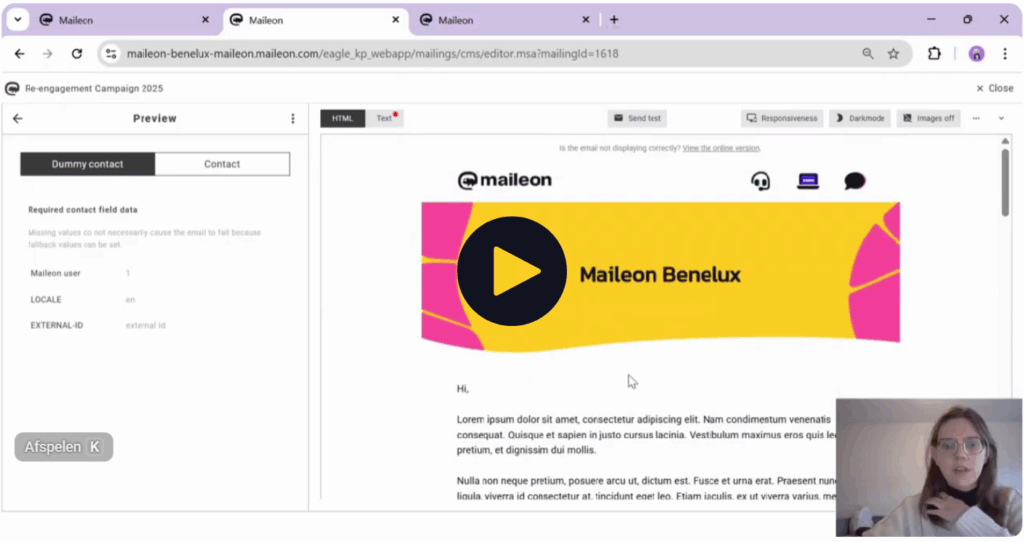
How to Build a Re-engagement Campaign in Maileon
Want to win back inactive subscribers without wrecking your sender reputation? Watch this practical tutorial and learn how to build a simple, reliable re-engagement campaign in Maileon. From cleaning your list to launching the automation flow.
Sign up and master the complete re-engagement workflow
A re-engagement campaign is an automated message flow that targets inactive contacts to win back attention by reminding them of your value, giving them a reason to return, or confirming whether they still want to hear from you.
In this tutorial video, you’ll discover:
- Step 1: How to clean your email list + create your filter/segment for inactive contacts
- Step 2: Build emails in the Maileon editor
- Step 3: Create a new contact field
- Step 4: Build the complete re-engagement automation in the Maileon automation builder
Fill in your details below to get instant access to the full tutorial video.
"*" indicates required fields
Why use a re-engagement flow?
Three key benefits for your email marketing performance:
✅ Boost results from the list you already have – reactivate dormant subscribers and unlock hidden potential
✅ Protect deliverability – focus sends on engaged contacts and reduce dead weight
✅ Improve segmentation & data quality – learn who’s still interested, and who isn’t
Who is this for?
This tutorial is perfect for:
- Email marketers who want to protect sender reputation and improve engagement rates
- Marketing automation specialists working with Maileon
- CRM teams looking for a repeatable workflow to clean and maintain list quality