
Automated bounce-back email management
Manage incoming replies, bounce messages and automated responses efficiently with Maileon’s intelligent response management. Filter unwanted messages, automate follow-up actions and ensure important customer responses never get lost in the inbox.
Best practices for your response management
When recipients reply to your email campaigns, their messages are collected in the Maileon inbox, giving you a central place to monitor and manage incoming responses. Flexible filters and automated actions help you separate relevant customer feedback from unwanted or automated messages. The result is a cleaner inbox, faster response handling and greater visibility into how your audience responds to your communications.
Intelligent filters for your Maileon inbox
Not every response requires your attention. Out-of-office notifications, automated replies, spam and messages containing potentially unwanted attachments can quickly overwhelm a campaign inbox. Maileon’s flexible filtering options allow you to automatically identify and handle these messages based on criteria such as subject lines or attachments. Keep your inbox focused on the responses that matter while reducing manual effort and improving the security of your email operations.
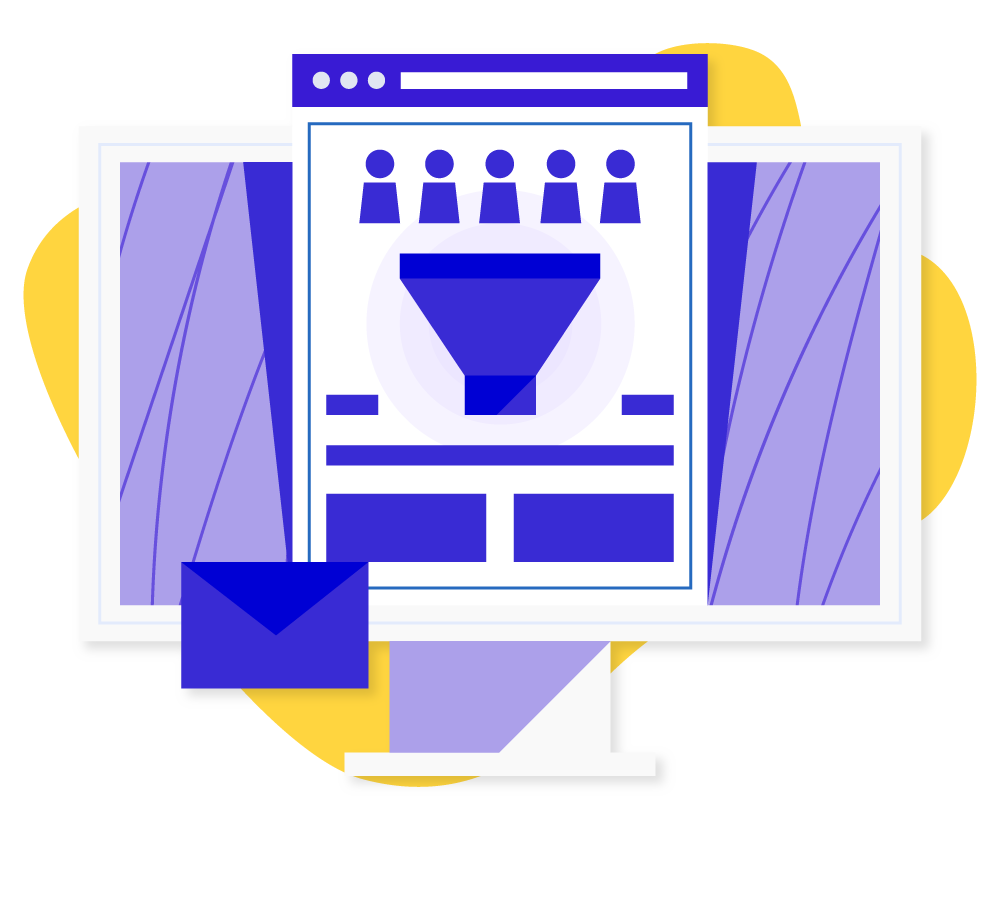
Automate the handling of every email response
Different types of responses require different actions. With Maileon’s response management, you can define automated rules for a wide range of bounce and reply scenarios. Automatically send predefined responses, forward relevant messages to the right recipients or remove contacts when appropriate. You can also identify and handle out-of-office messages automatically, helping you keep your contact database clean without manual intervention.
Learn more about email responses
Have you ever wondered why some emails come from a “Noreply” address? These seemingly unwanted sender addresses often cause confusion and raise questions about their usefulness. In our blog post, we dive deeper into the world of Noreply addresses, shed light on their uses, and explain why they might not be the best choice and could affect your reputation.
Relevant Topics
Discover additional related features
Optimal registration processes for handling permissions under the GDPR
Intuitive audience management: from contact import to retargeting
Creating the ideal customer journey with the Maileon Landing Page Editor
Targeted interactions through customized overlay solutions
Analyze the behavior and preferences of your contact list
Overview of all features for your contact management


Try Maileon in a free 30-day trial
Book a demo with our specialists to discuss your specific needs and get a comprehensive overview of the email marketing platform that meets your goals.
